Tokai University Hospital

Font size
ENGLISH JAPANESE
ENGLISH
JAPANESE
For visitors
For medical professionals
Hospital Information
Clinical department/department
Recruitment Information

phone

Web
reservation

Post-payment

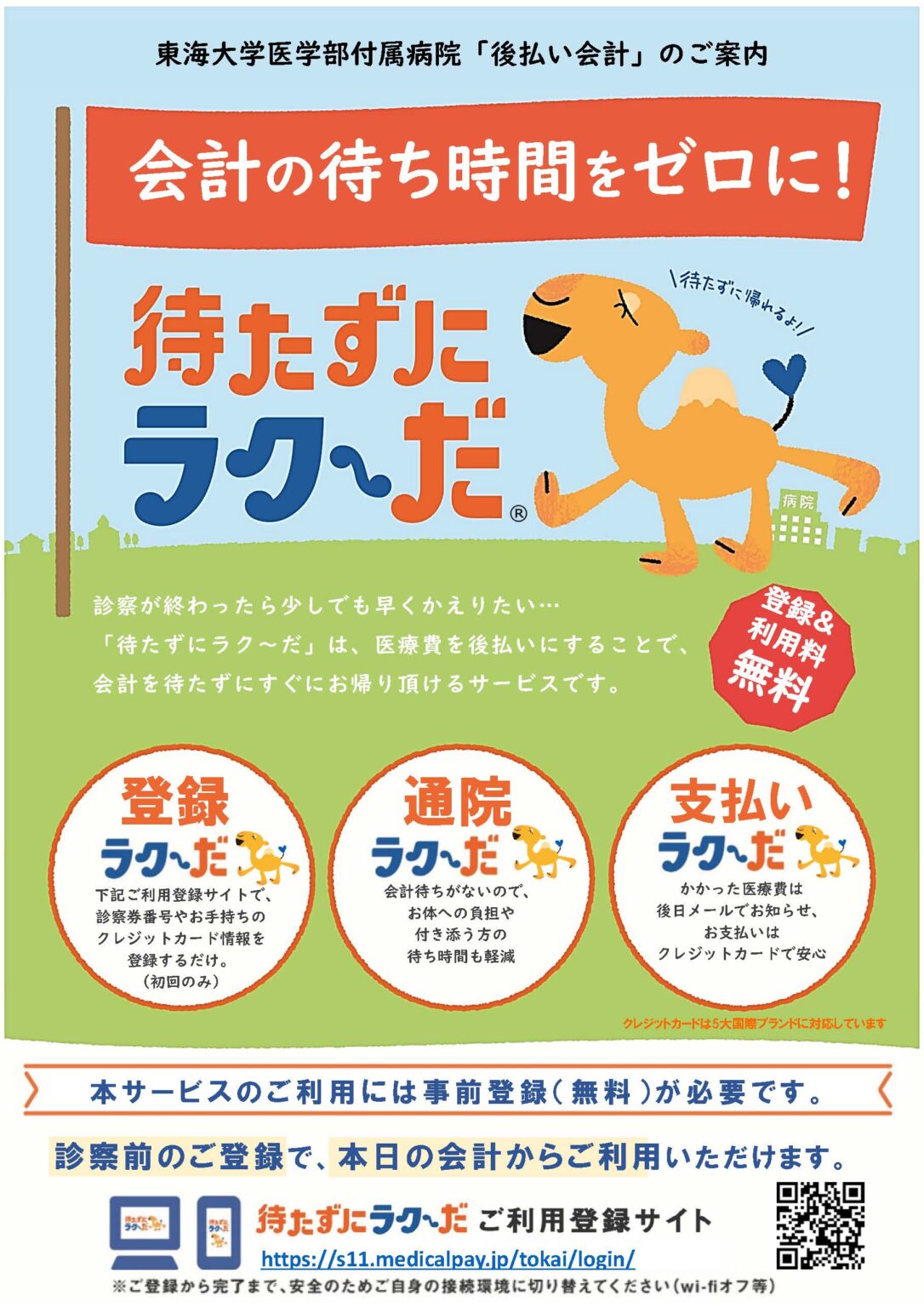
What is deferred payment accounting?

This convenient service allows you to register your user information via your smartphone or home PC, enabling you to leave without waiting to pay after your consultation.

advantage

• You can go home immediately after your outpatient appointment (no waiting time for payment).
• There are no fees for using the system (zero fees).
• Receipts and detailed statements can be viewed online.
You can register using your existing credit card (you don't need to get a new one).
・Available for both outpatient and inpatient care.
・You can start using the service from the day you register.

[Information Leaflet] Click here for details

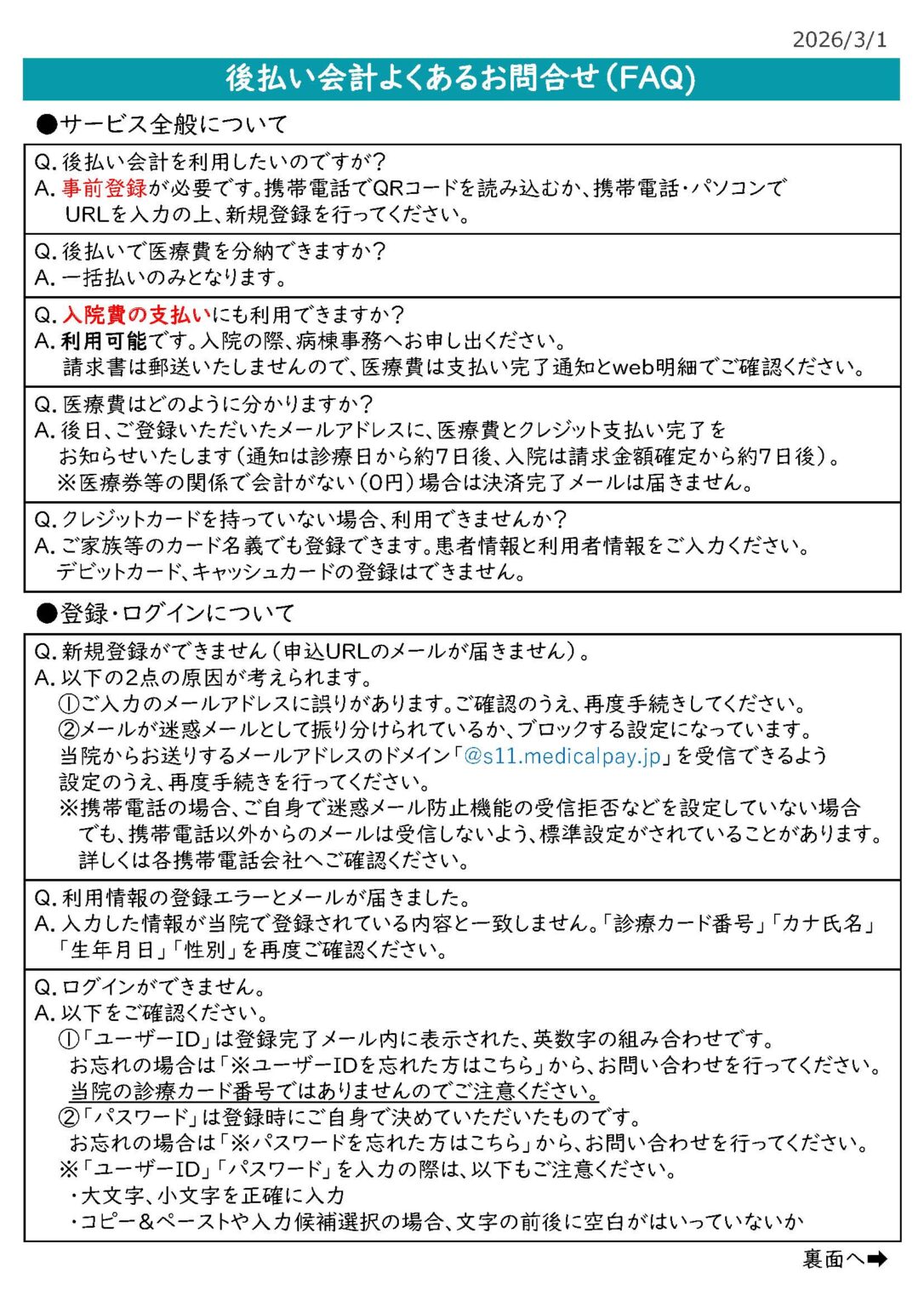
[Frequently Asked Questions]are here.

How to register for deferred payment

Please register using the URL or QR code below.

https://s11.medicalpay.jp/tokai/login/

How to use

1. Register your user information (first time only)

Enter your patient number, name, credit card information, etc. from your smartphone or home PC.

Outpatient

2. Outpatient visit date

Insert your medical card into the payment machine for post-payment.

Please place the usage form in a file and present it at the reception desk.

3. After the examination and tests are completed, you can go home immediately.

Once you have completed all necessary tests and consultations, please return the file to the appropriate reception desk.

You can go straight home without stopping to pay.

4. You will receive a confirmation of the amount and payment completion.

You will receive an email at your registered email address at a later date containing the amount of the medical fee and confirmation that the payment has been completed.

In case of hospitalization

2. Day of admission

Please inform the ward administration.

3. Upon discharge from the hospital

I filled out the "Medical Expense Payment Method Confirmation Form" and was discharged from the hospital.

4. You will receive a confirmation of the amount and payment completion.

You will receive an email at your registered email address at a later date containing the amount of the medical fee and confirmation that the payment has been completed.

Regarding issuance

Receipts and medical statements can be printed from the receipt issuing machine or downloaded from the web.

How to print a receipt from a receipt issuing machine.

Please print your receipt from the receipt issuing machine located next to the general information desk on the first floor of our hospital.

[Reception hours]
Weekdays: 7:30 AM - 4:30 PM
Saturday (clinic day): 7:30 AM - 2:30 PM

*Please note that we cannot reissue receipts once they have been issued.
*If you download the receipt from the web, you cannot print it from the receipt issuing machine.


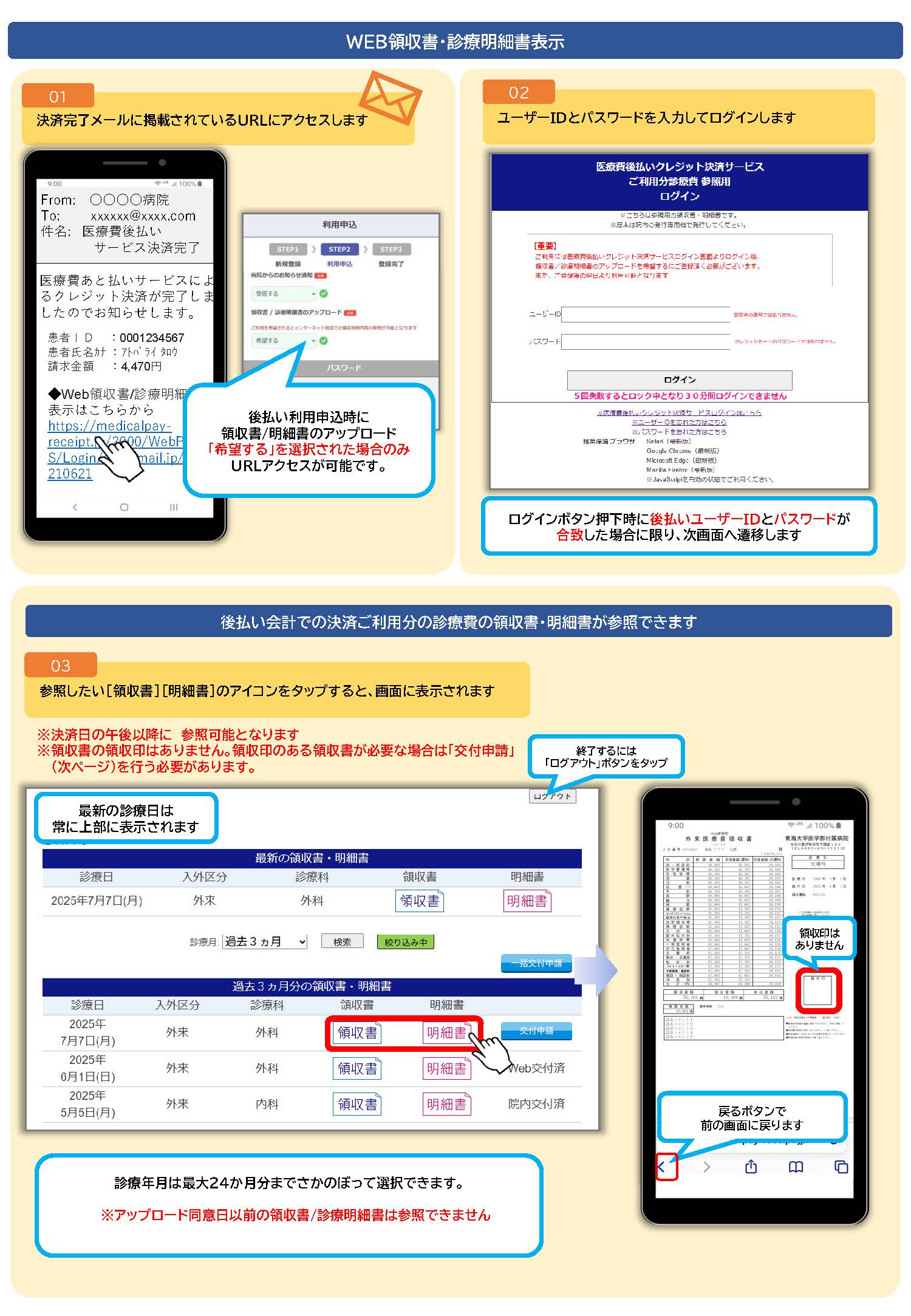
How to download from the web

You can access it via the URL shown in the payment confirmation email. (After 12:00 PM today)
To download your receipt and medical statement from the web, please log in using the URL above and click on the blue "Application for Issuance" button. You can download your receipt and medical statement with the official seal the day after your application.

*Receipts with official seals downloaded from the web can be used as original receipts.
*For payments completed from March 2026 onwards, you can access this information for up to two years.
*Please note that we cannot refer to receipts/statements issued before March 2026, or payments made through services other than our deferred payment service.

Learn more